In physical security systems, storage is an often overlooked yet essential component that directly impacts the effectiveness of your setup. Choosing the right storage solution is crucial for safeguarding your data, maintaining operational continuity, and ensuring compliance with regulatory requirements. Here’s why your choice of storage matters—and how to select options that will strengthen your security infrastructure.
Why Storage Choices Matter
- Total Cost of the Solution: Different storage options have varied costs that can significantly impact your budget. Understanding these cost implications allows for more accurate planning and budgeting for your security system.
- Network Security: The storage method and location directly affect your network’s security posture. Secure, well-managed storage solutions are critical for safeguarding data from unauthorized access and potential breaches.
- Access to Footage: Storage method determines how and when recorded footage can be accessed. Quick, efficient access is essential for timely responses to security incidents and investigations.
- Retention Duration: The storage type directly affects footage retention duration, a key consideration for meeting legal, regulatory, and internal compliance requirements.
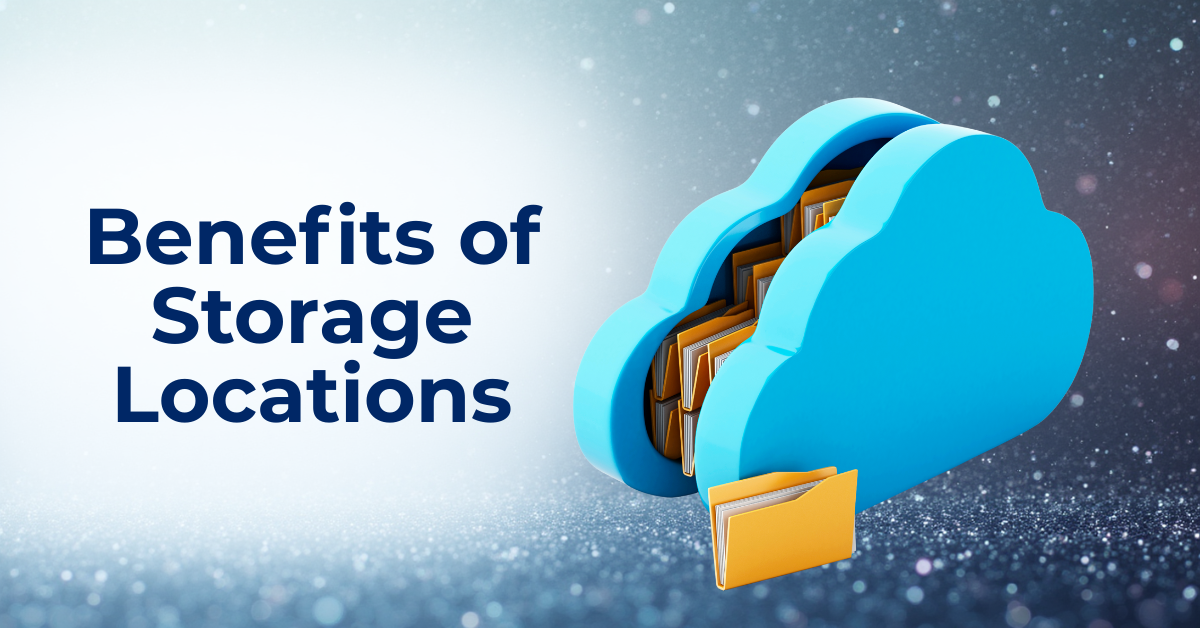
Storage Locations and Their Benefits
Storage needs depend on specific requirements, industry regulations, and compliance standards. Modern solutions, especially cloud-based options, offer enhanced flexibility. YourSix recommends combining on-device SD cards with cloud storage for a robust, redundant solution. (https://www.yoursix.com/support/resources/storage/)
YourSixOS Storage Options
SD Card Storage
- Recommended Brand: AXIS
- Recommendation: Use industrial surveillance-rated SD cards for optimal performance and reliability.
- Benefits:
- Immediate Local Access: Provides direct, fast access to footage when needed.
- Redundancy: Acts as a reliable backup in case of network disruptions.
Cloud Storage
Recommended Provider: YourSix (AWS)
Benefits:
-
- Remote Access: Access footage from any location with an internet connection.
- Scalability: Expand storage capacity as your security needs evolve.
- Redundancy: Ensure data retention even if local devices fail.
NAS Storage
Debunking Edge Storage Myths
Edge storage, especially through advanced SD cards, has evolved, yet several myths persist. Here’s a quick look at the facts.
Edge Storage Is Just for Backup
-
- Truth: Modern SD cards can serve as a primary storage location.
SD Cards Don’t Last as Long as NVRs
-
- Truth: High-grade SD cards can last over a decade and can exceeding the lifespan of Network Video Recorders (NVRs).
Edge Storage Can’t Handle High-Quality Video
-
- Truth: High-performance SD cards record high-resolution video. Y6OS supports local SD card recording up to 4K.
Edge Storage Is Only for Serverless Environments
-
- Truth: Edge storage benefits both serverless and networked environments, providing redundancy.
Key Considerations for SD Cards
- Security: Choose SD cards with encryption to protect data.
- Cost-Efficiency: High-end SD cards can reduce the need for extra servers and maintenance.
Optimizing Storage Use
Effective storage management can be achieved through various recording schedules and triggers all supported by YourSix:
- Continuous Recording: Records footage at all times.
- Motion Detection: Records only when motion is detected, conserving storage space and reducing bandwidth.
- Scheduled Recording: Records during specific times or days.
- Object/Motion Detection: Records when specific objects or motion is detected.
- Sound Detection: Records based on detected sounds.
Automatic vs. Manual Storage Management
YourSixOS excels in providing redundant, automatic recording rules. Footage is simultaneously sent to local SD cards and the cloud, ensuring that even if a device or storage component fails, footage remains accessible. Automation helps avoid the risk of data loss that could occur with manual uploads, especially if a device is damaged before uploading.
Conclusion about Physical Security Storage Decisions
Selecting the right storage options for your physical security system is essential for comprehensive coverage, cost optimization, and maintaining accessibility to critical footage. By leveraging the flexibility of YourSixOS, you can effectively manage your storage needs with a combination of SD card, cloud, and NAS solutions.
Whether you choose SD card, NAS, cloud storage, or a blend of these, YourSixOS offers the adaptability to meet various operational and budgetary requirements. Ensure your security infrastructure is robust and future-proof by understanding and implementing the best storage solutions.
Pro Tip: When evaluating Physical Security as a Service (PSaaS) providers, refer to the YourSixOS Selecting a Cloud Supplier Guide and Checklist. This will help ensure reliable, automatic storage management and avoid potential pitfalls.